




RESPONSITORY
SURVEY AUTHORING, TRACKING, AND ADMINISTRATION
Product
A custom data collection system for building accessible surveys, assigning measures, tracking completion, and turning participant responses into usable reports.
Project roles
Visual design,
UI & UX Implementation,
Illustration, Development
Quality Assurance
THE CHALLENGE
Responsitory needed to make complex survey work manageable for the people who rely on it: researchers, educators, administrators, and disability service providers.
The system had to support validated self-determination measures, custom surveys, participant management, accessibility needs, completion tracking, and reporting — all without making users feel like they needed to be data specialists to get through the day.
This was not just a survey tool. It was a full data collection and management system built around real workflows, long-term research needs, and the practical realities of working with schools, agencies, and community partners.
PARTICIPANT SURVEYS
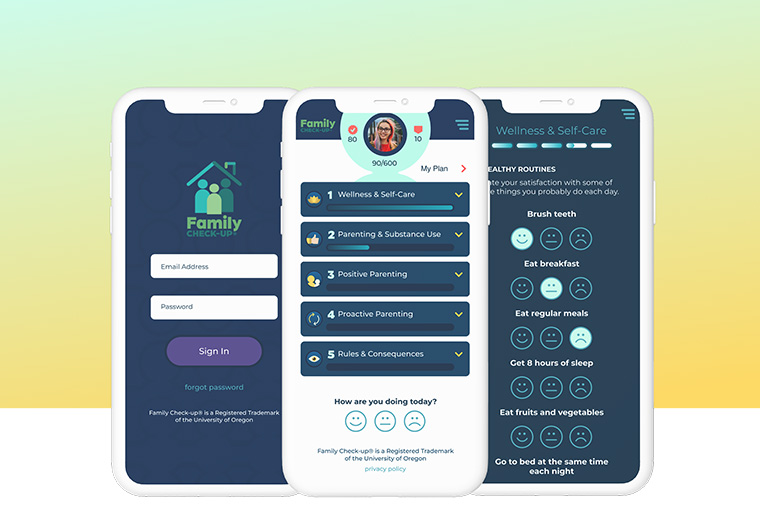
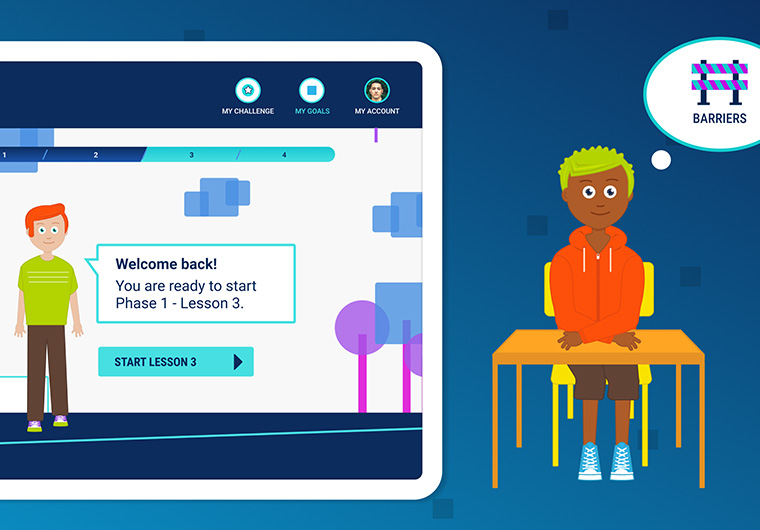
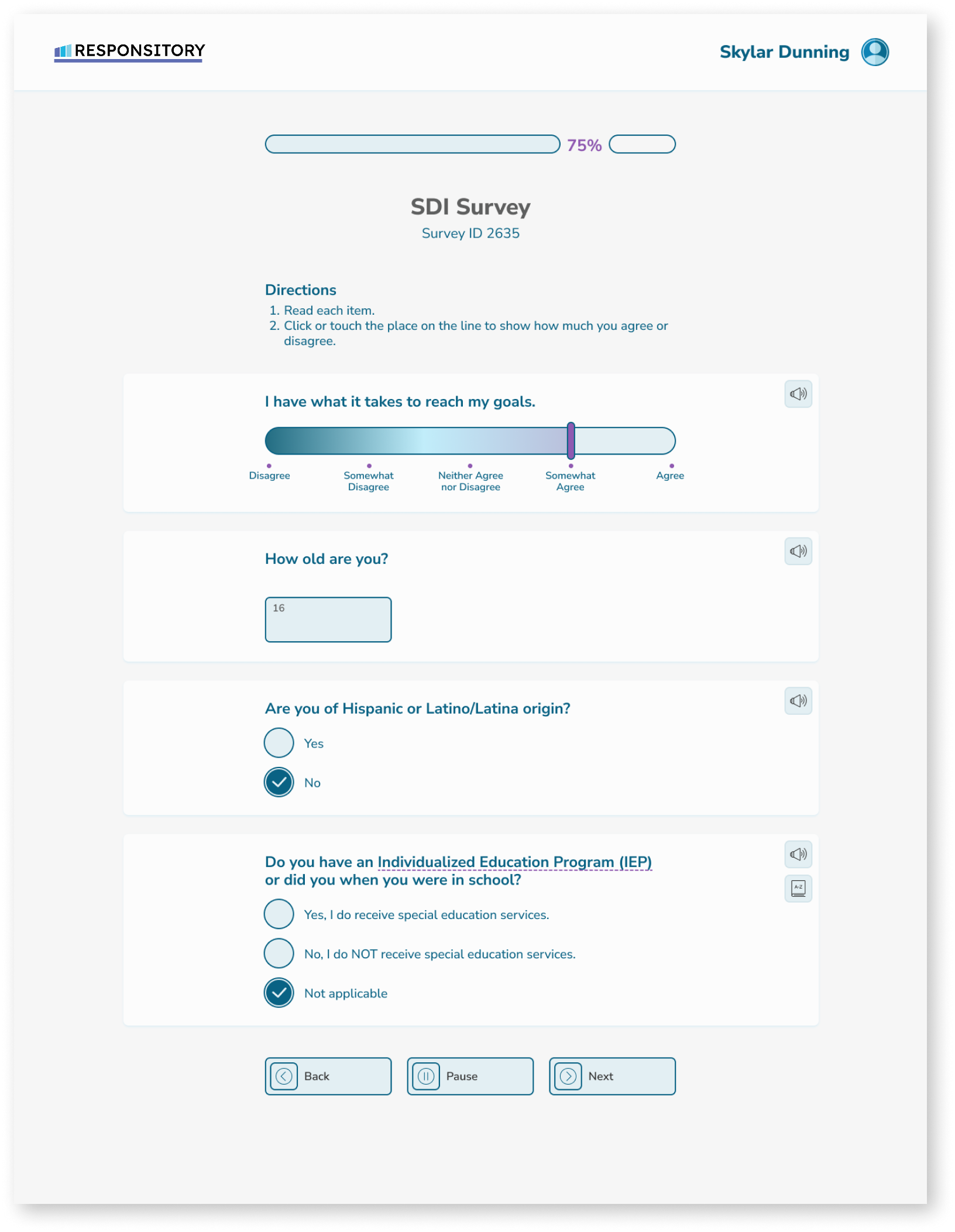
For participants, the survey experience needed to feel clear, calm, and easy to move through. Many users are answering questions about their own choices, goals, supports, and decision-making, so the interface had to stay out of the way and let the questions take focus.
We designed the survey flow to be direct and readable, with simple navigation, clear progress, and room for accessibility supports where measures require them. The goal was to make completing a survey feel approachable, whether someone was taking a one-time measure or returning to Responsitory as part of a larger program or study.
THE PROCESS
We started by mapping the work behind the system: creating measures, assigning surveys, managing participants, tracking completion, reviewing results, and supporting follow-up decisions. Each screen had to connect to that larger workflow, not just solve one isolated task.
Because Responsitory serves several different audiences, we paid close attention to language, page structure, and small moments of guidance. A researcher may need power and precision. A teacher may need speed. A participant may need reassurance. The product had to support all of those needs in one consistent experience.

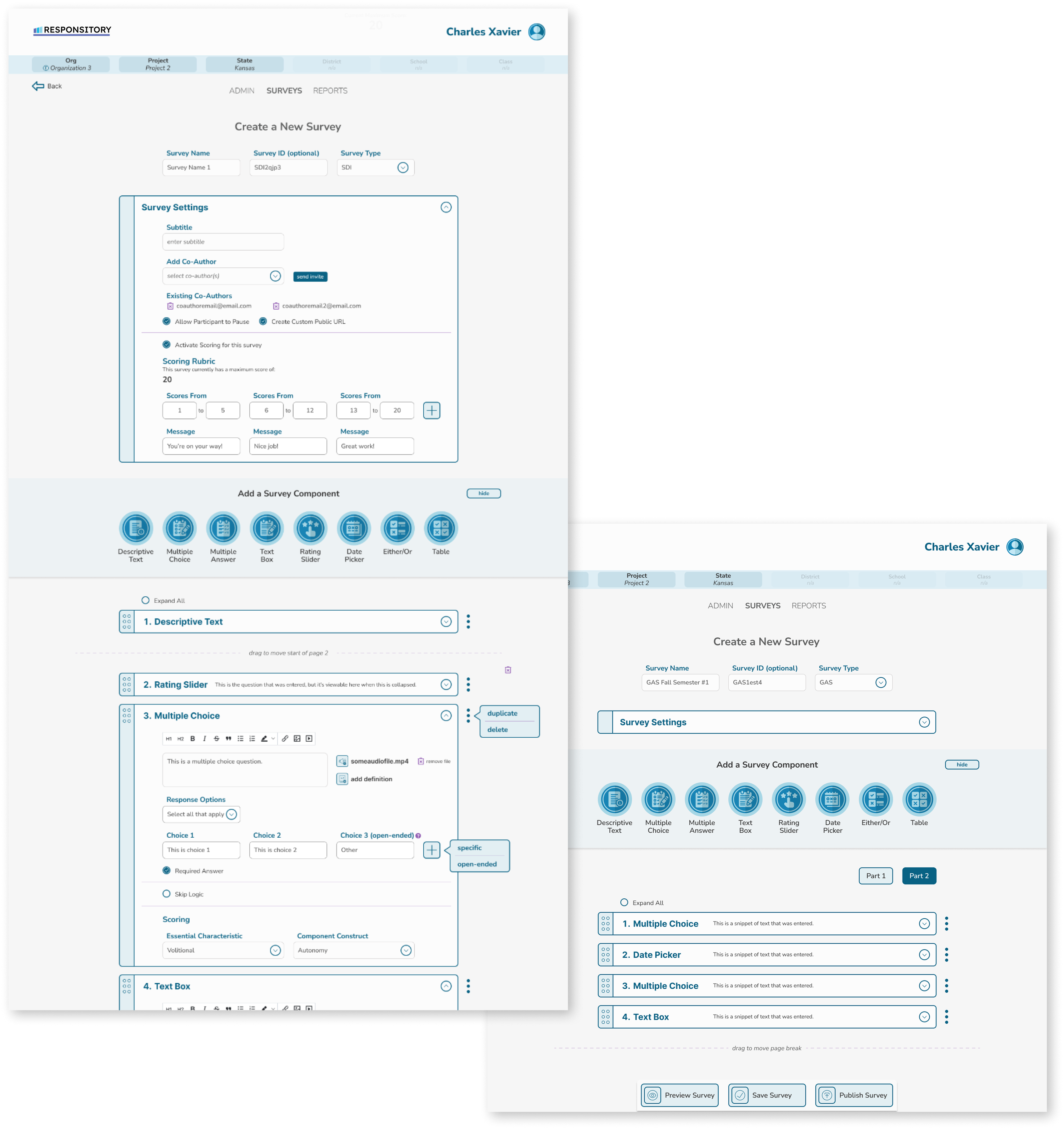
MANAGING SURVEYS
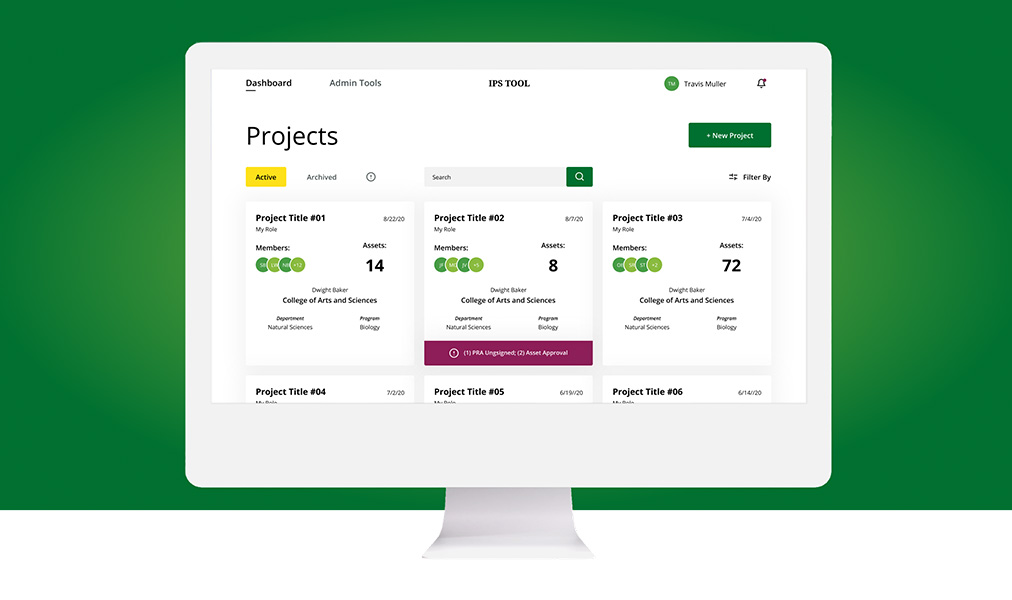
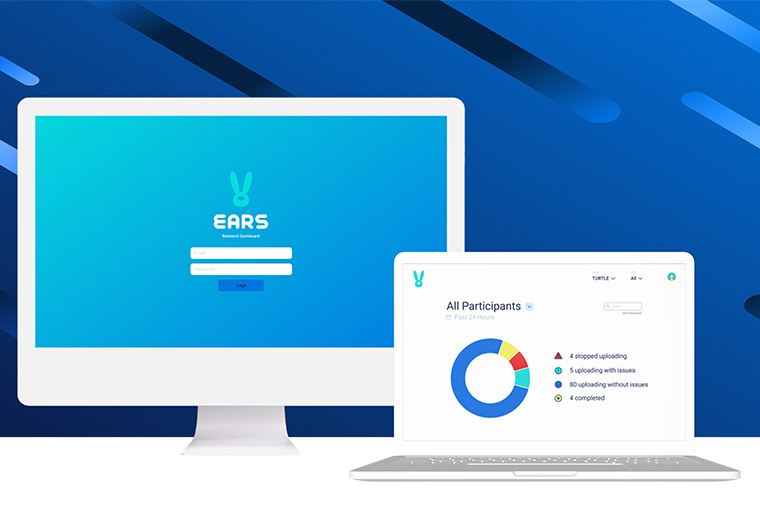
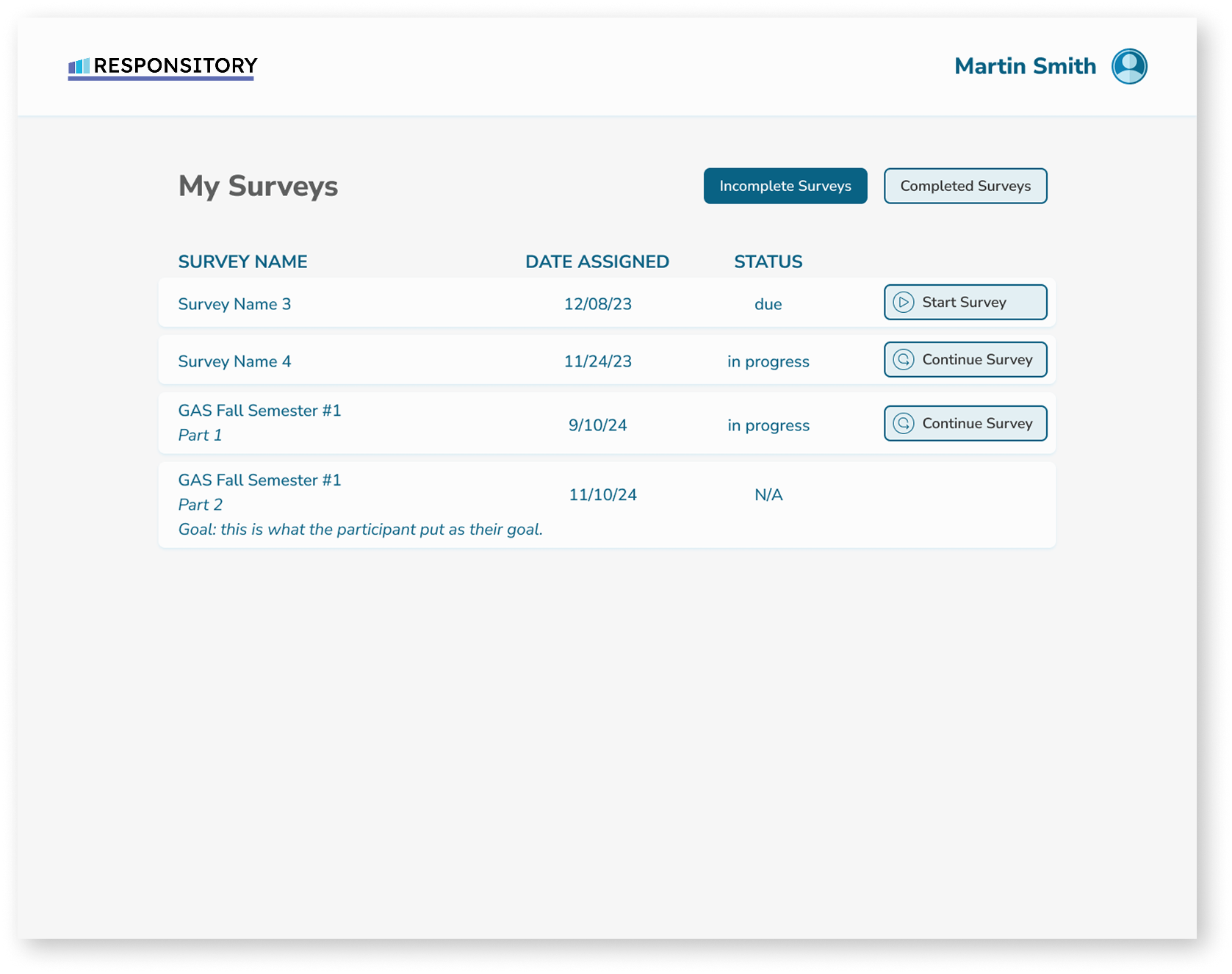
Survey management is where a lot of the day-to-day work happens. Users need to see what has been assigned, who has responded, what still needs attention, and where to go next.
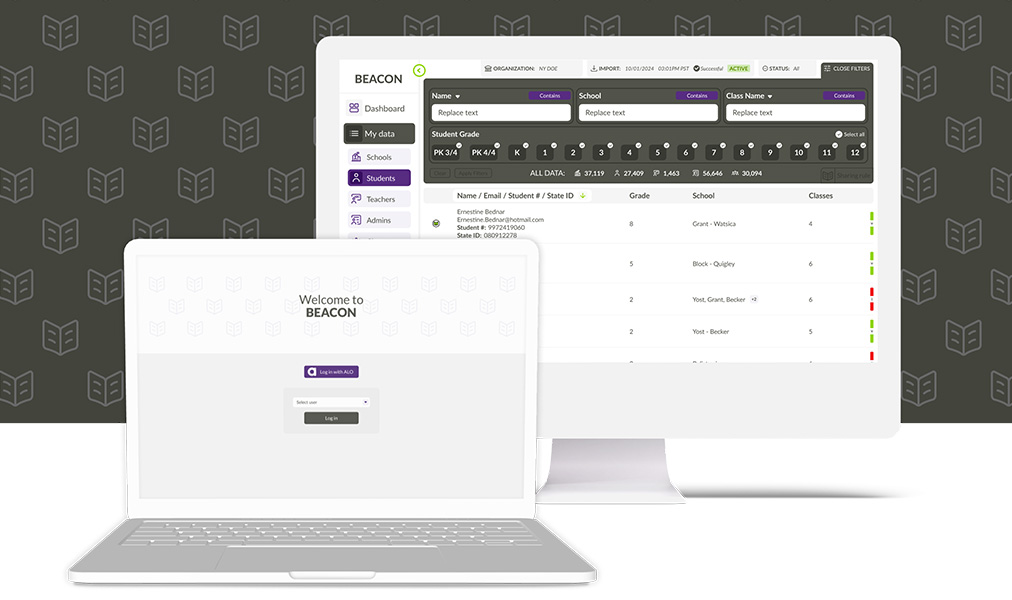
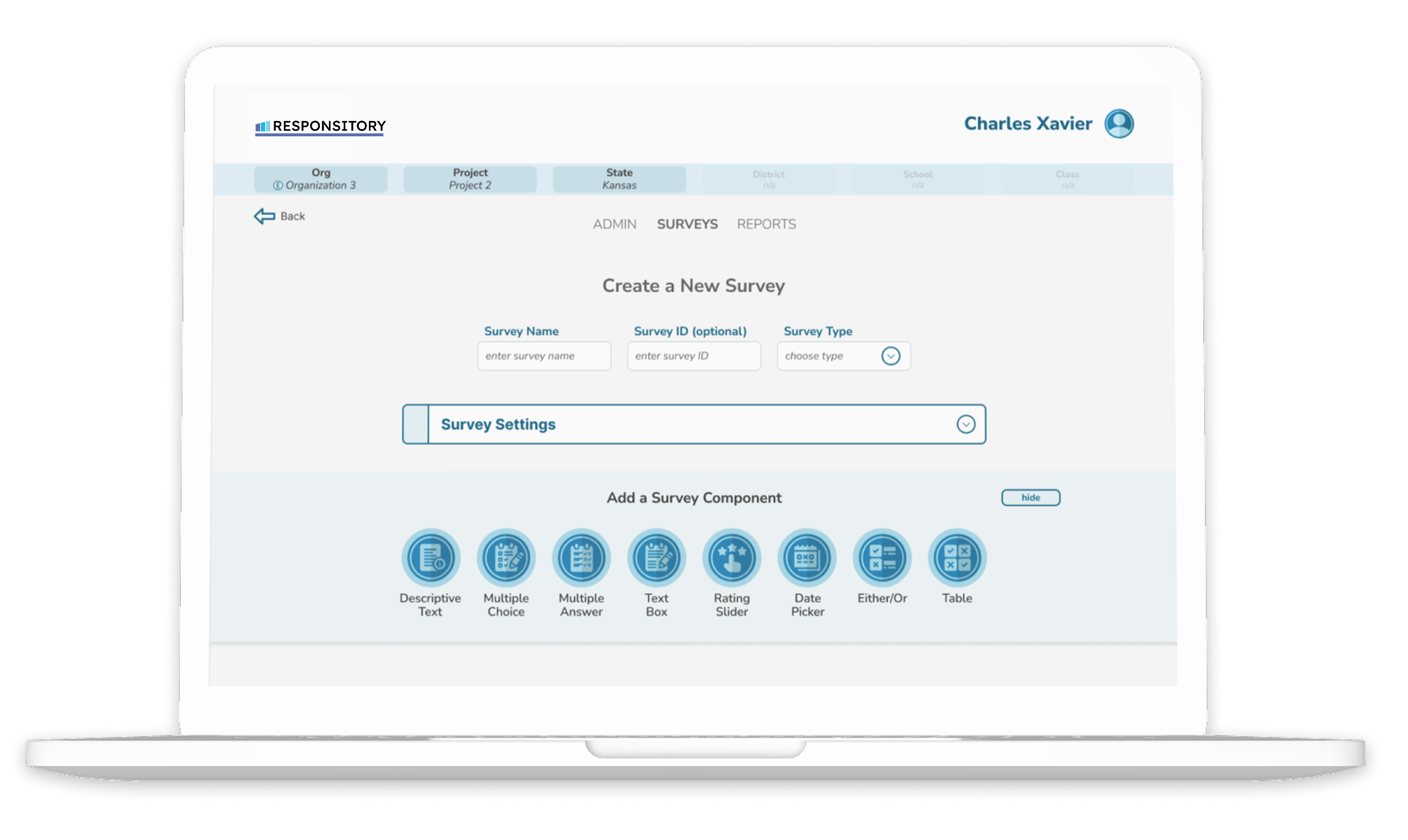
We designed this area to bring the moving pieces into one clear working view. From there, administrators can create and organize surveys, assign measures to participants, monitor completion, and keep data collection moving without relying on scattered spreadsheets or one-off tracking systems.


DATA SYSTEM
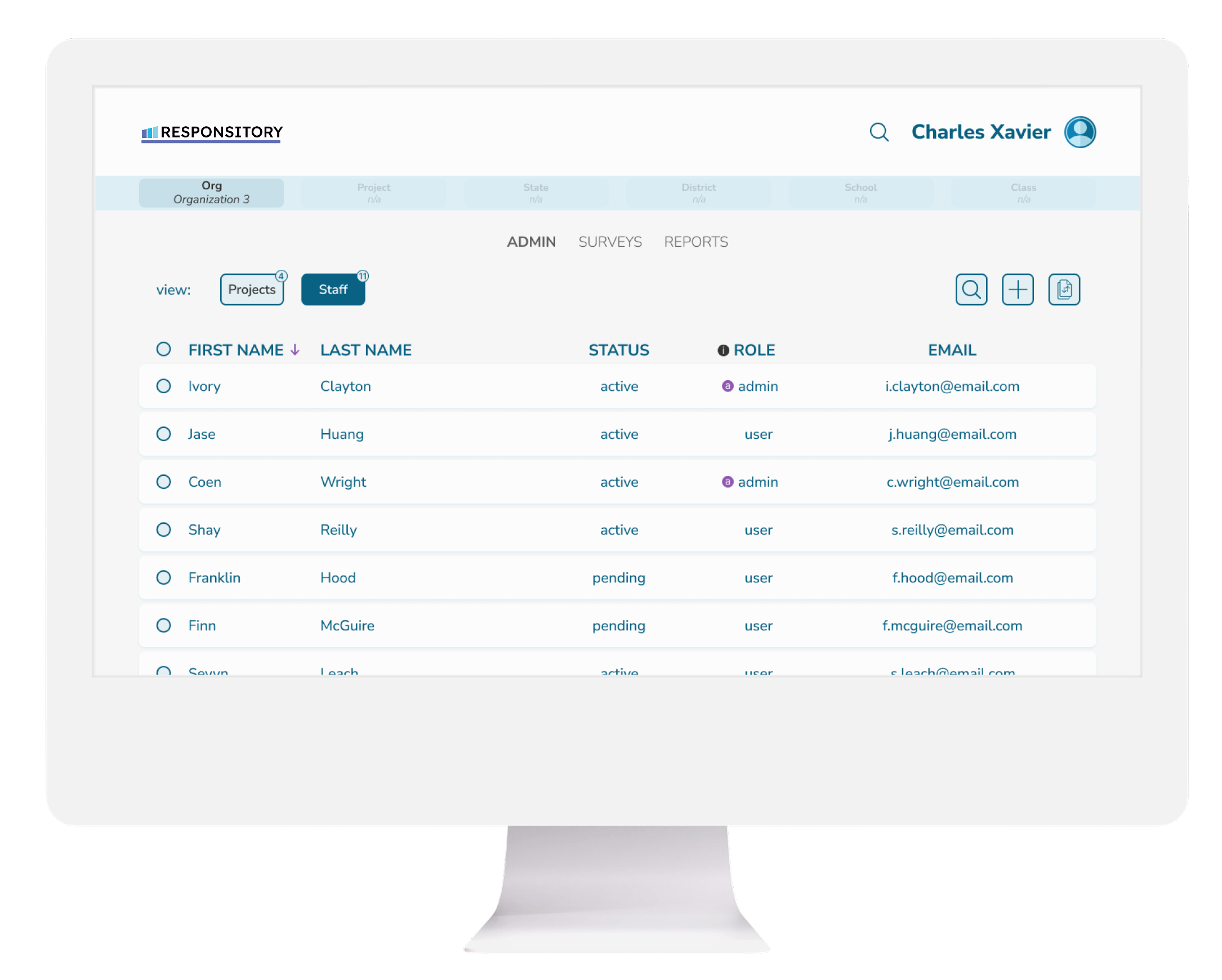
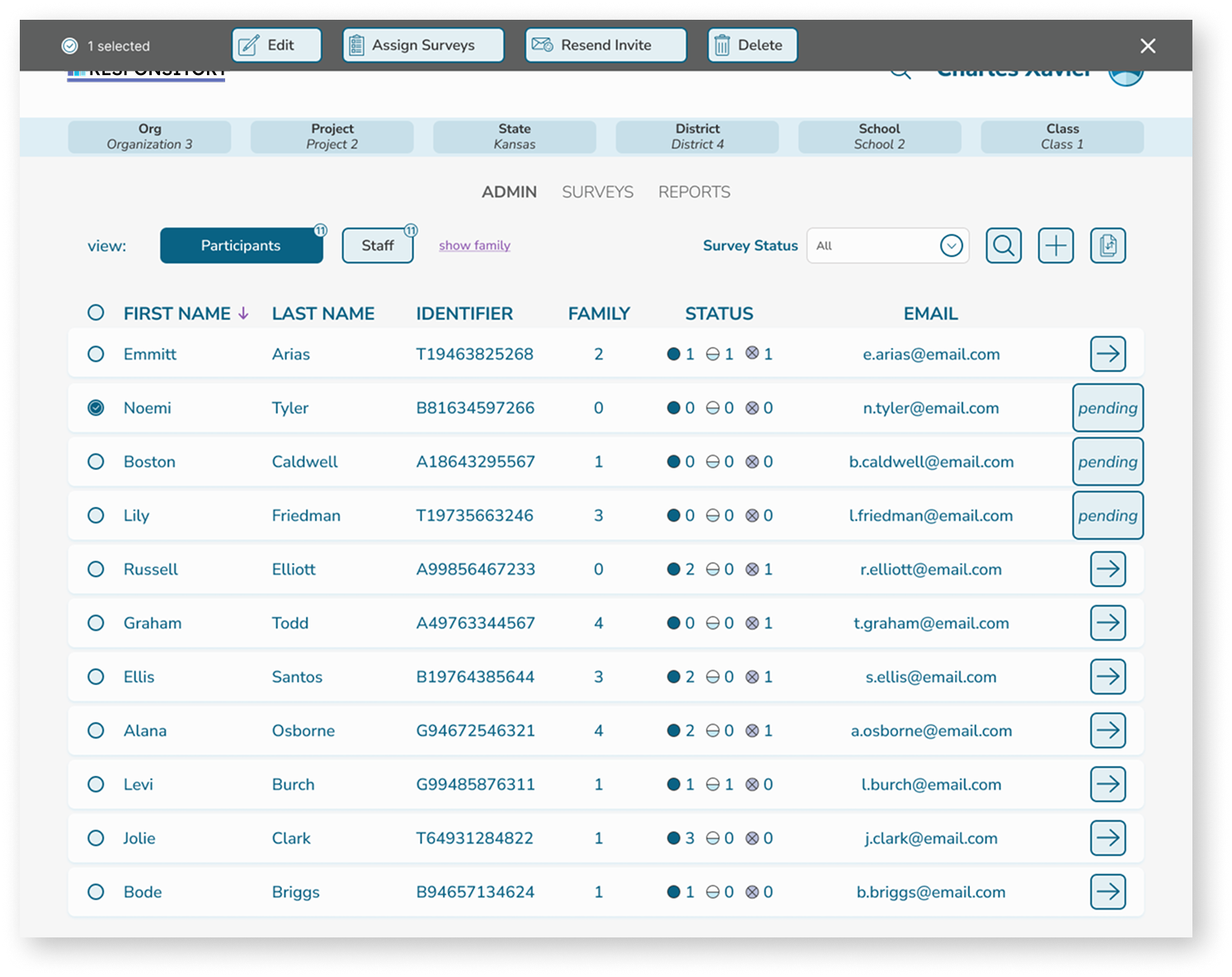
Behind the survey experience is a much larger data system. Responsitory supports user accounts, participant lists, survey assignments, completion tracking, and results, giving teams a central place to manage the full life cycle of a measure.
That structure matters. When teams are collecting data across schools, agencies, programs, or research projects, they need to know who has access, what has been assigned, what has been completed, and where the results live. Responsitory brings those pieces together in one purpose-built application.
REPORTING
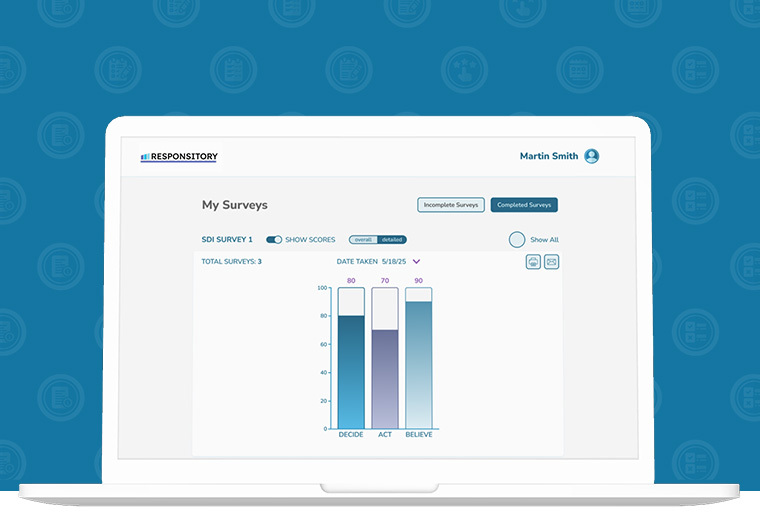
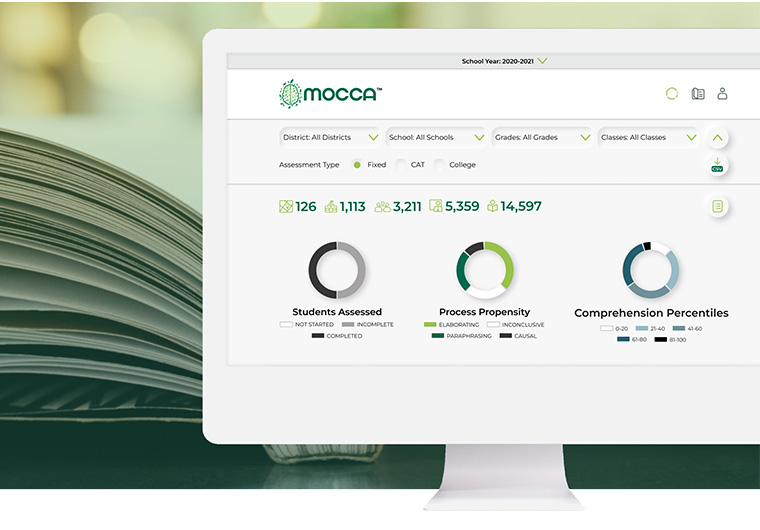
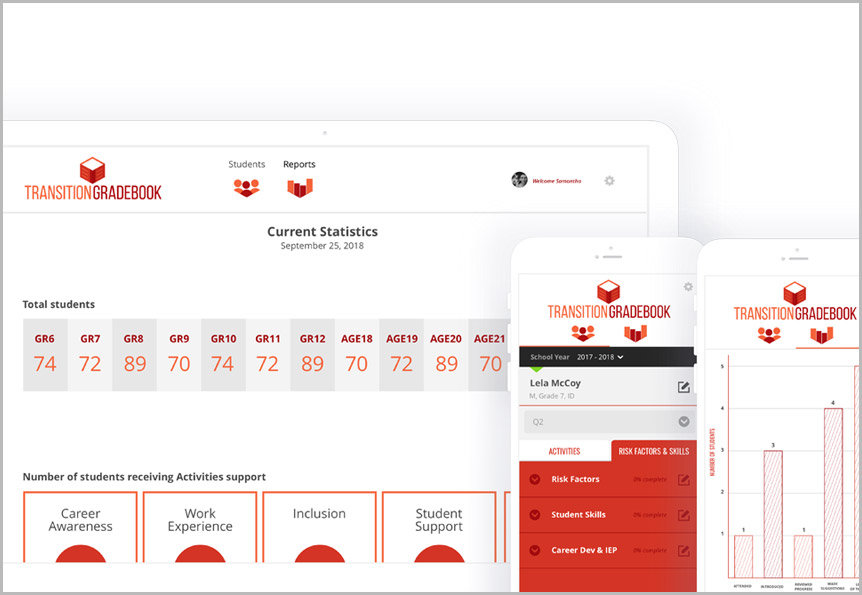
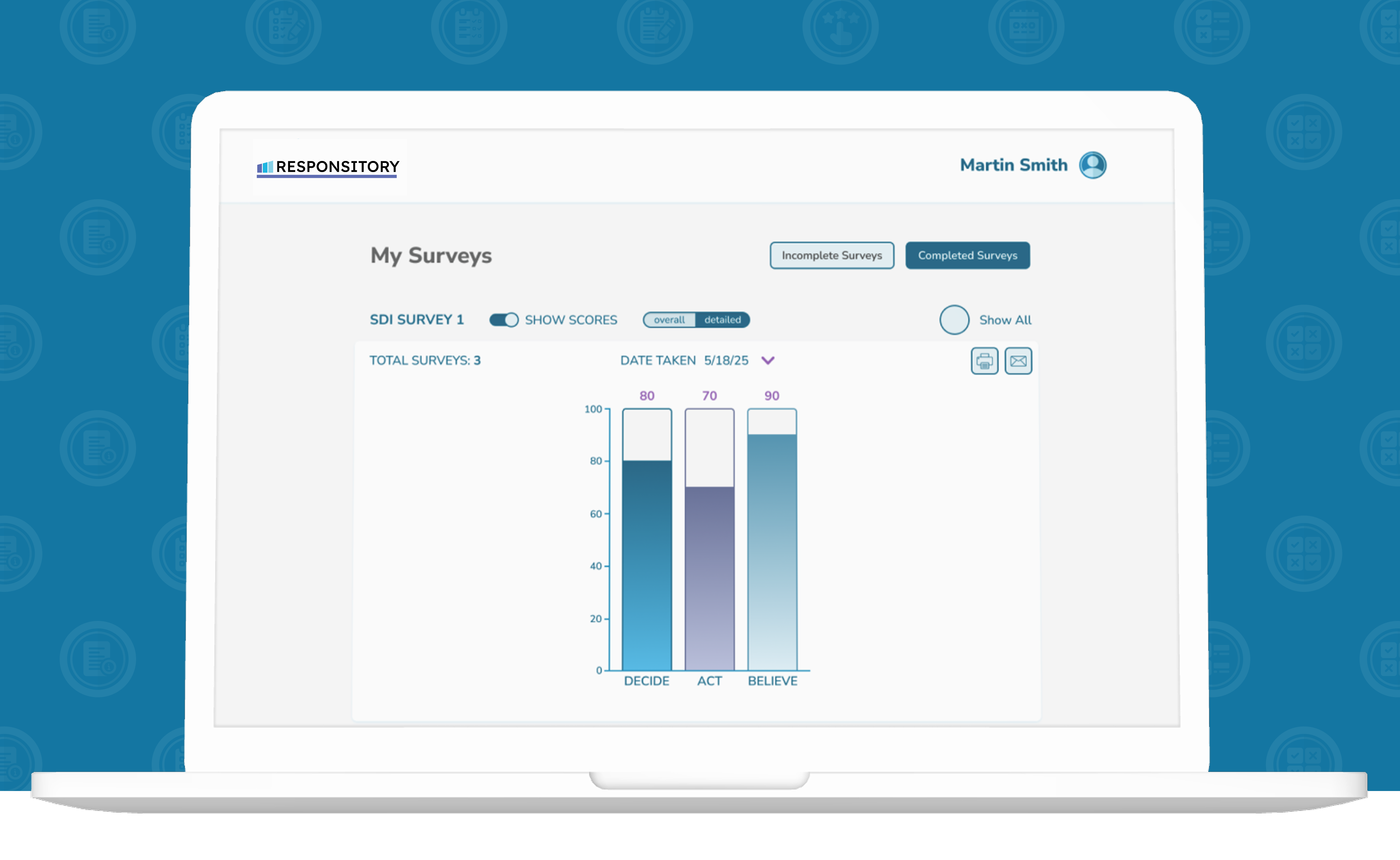
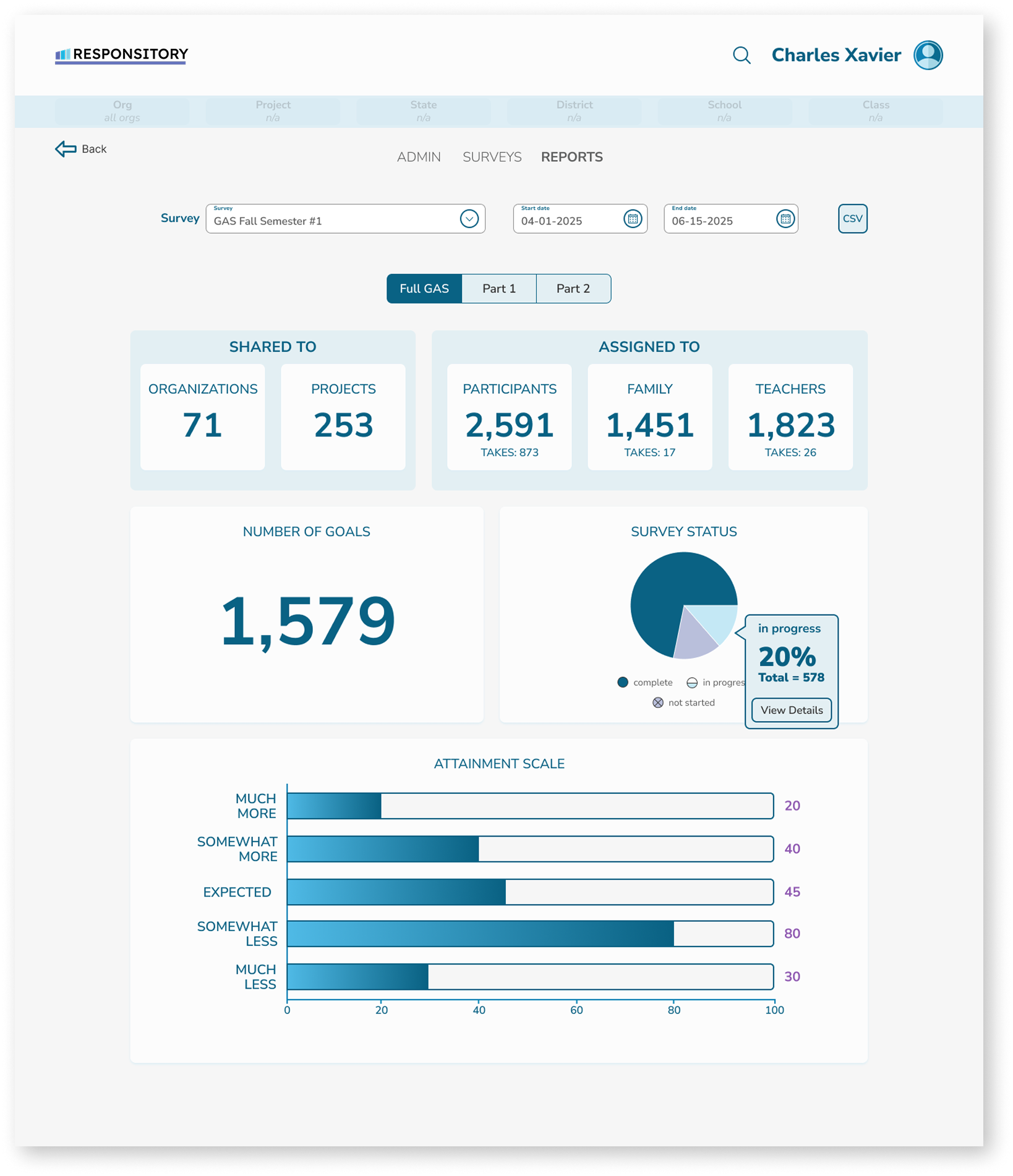
Collecting responses is only part of the job. Responsitory also helps teams turn completed measures into information they can use.
Reports were designed to make results easier to review, share, and apply. Whether the data is being used for research, instruction, program planning, or individual support, the reporting experience helps users move from raw responses to clearer next steps.
THE RESULTS
Responsitory gives KU and its partners a custom system for collecting self-determination data at scale. What once could have required separate tools for survey building, participant management, completion tracking, and reporting now lives in one focused application. The result is a clearer experience for participants, a more manageable workflow for administrators, and better access to data that can inform research, instruction, program planning, and data-based decision-making.
TECHNOLOGY
Node.js, React, TypeScript, PostgreSQL
Social Media


© Emberex, Inc. All rights reserved | View our terms and conditions